
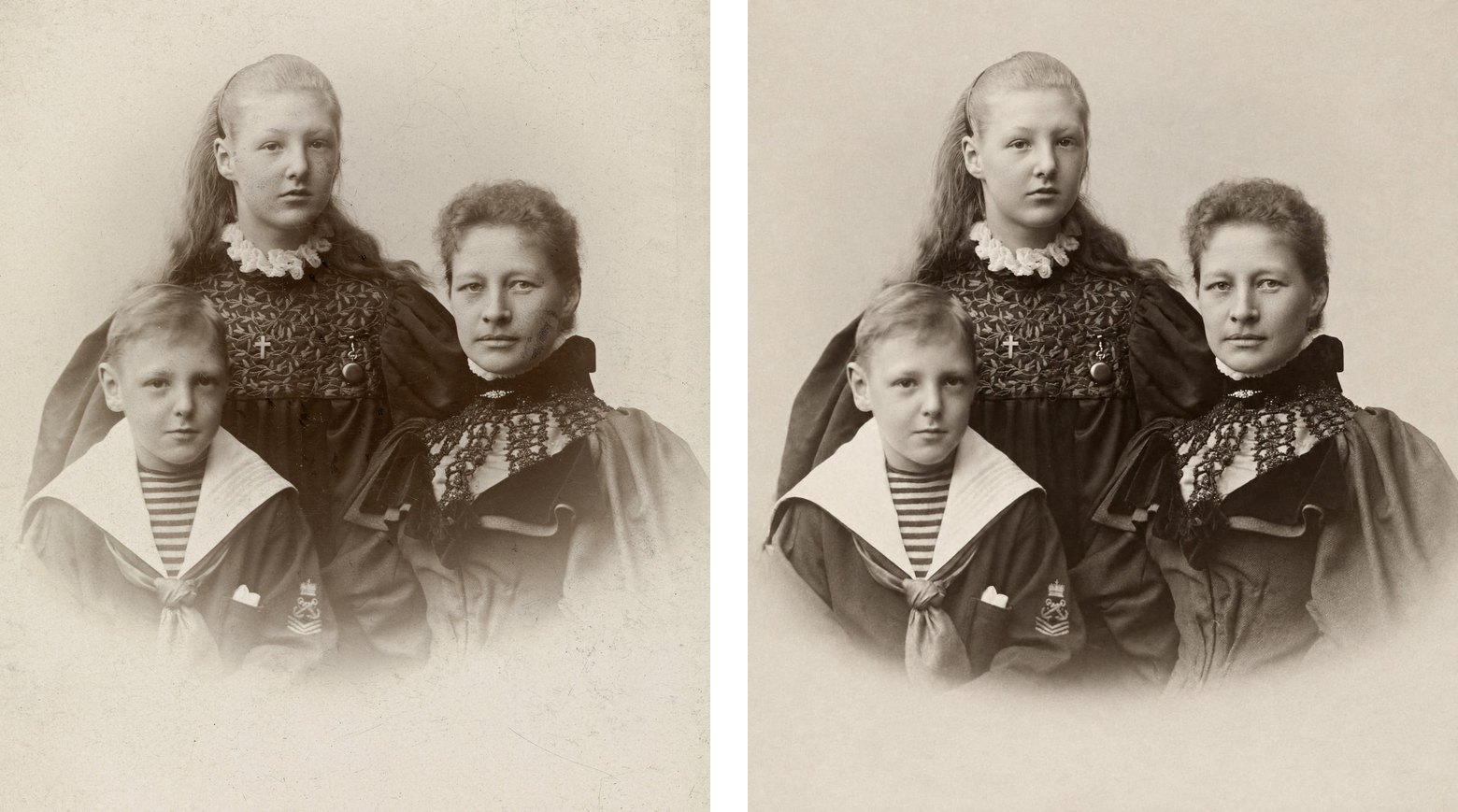
As of October 2026, none of the big chains offers to repair an old photo. Walgreens, CVS and Walmart will scan a print or copy it as it is, and Costco sends you to Shutterfly online. A copy keeps every crease, spot and torn corner, so restore the scan first and take the repaired file to the counter.
What each store does with an old print
Copying and scanning are easy to find at three of the four chains. Repair isn't on offer at any of them.
| Store | Copies or scans a print | Repairs tears and creases | Asks for a release |
|---|---|---|---|
| Walgreens | Copies: Digitizing from $29.99, with prints saved to a USB drive. Its copyright form covers asking a store for copies. | Repairs: Nothing to order. Its coupon terms and copyright form still mention restoration. | Release: Yes, for any photo that may be a professional's. |
| CVS | Copies: By transfer service, dropped off in store or mailed: each print scanned by hand, back in about 3 weeks. Its kiosk copy service is listed for documents. | Repairs: No. Transfers get enhanced colors; tears and creases aren't mentioned. | Release: Its photo pages don't say. |
| Walmart | Copies: By transfer service, dropped off in store or mailed, back in 3 to 4 weeks. | Repairs: No. Transfers get enhanced colors as needed; tears and creases aren't mentioned. | Release: May ask for a signed release, even for an unmarked photo. |
| Costco | Copies: Its help page points members to Shutterfly, which prints online and ships. | Repairs: Not offered on its site. | Release: Its photo pages don't say. |
Walgreens' own pages disagree with each other. Its coupon terms still exclude “Restoration Services,” and its copyright form has a box that reads “The original print is damaged and I want the print restored.” But its photo site has no restoration product to order, and its photo help center has no article on it.
So there's no Walgreens restoration price. The $29.99 on its digitizing page is for scanning.
A copy keeps the damage
A counter copy is your print scanned and printed again. Whatever is on the print is in the scan, so it's in every copy. An enlargement makes every crease and spot bigger along with the rest.
The transfer services say so in their own words. Walmart's and CVS's transfer FAQs use the same sentence: “Photo Transfers will preserve the quality of your photo as it appears in your original print.”
The fixes the stores do offer are about color. CVS and Walmart list enhanced colors for photo transfers. Walgreens' online editor can correct color and contrast, add fill flash and remove red-eye. None of them mentions tears, creases or missing pieces.
When the counter asks for a release
An old studio portrait can stall at the counter. The stores' copyright rules turn on whether a photo looks professional, and neither Walgreens' nor Walmart's policy page exempts old photos.
Walgreens' copyright policy says that if a photo “may have been taken by a professional photographer,” it won't print it until it has written permission or other evidence on file. Walmart's photo help goes further: it may ask for a signed release from the photographer or studio for any photo that “appears to have been taken by a professional photographer or studio, even if it is not marked.” CVS's photo pages don't mention releases.
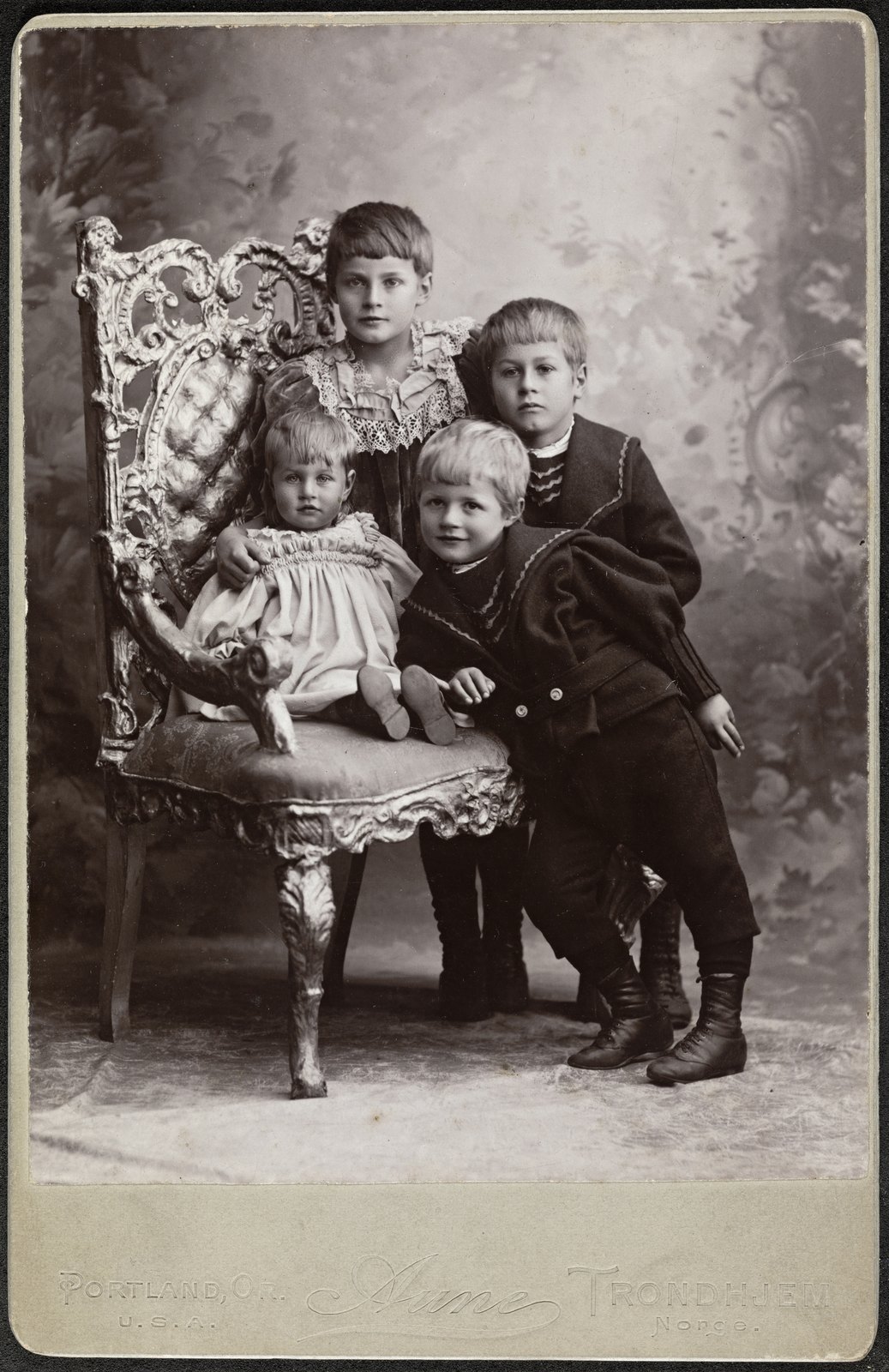
A studio name pressed into the mount, like this one, marks a photo as professional work. Bring the original along so the clerk can see how old it is.
If the studio is still in business, ask it for a written release. Walmart keeps release forms at its store Photo Centers. At Walgreens you email the release with your name and order number for a mail order, or bring it to pickup for a store order.
If the photographer is long gone, use Walgreens' declaration form. It has boxes for the photo's approximate age and for a photographer who can't be found, and by signing you agree to cover the store's costs if anyone else claims the photo.
On age, the US Copyright Office says “all works published in the United States before January 1, 1931, are in the public domain.” Whether a family portrait was ever published is a legal question we can't answer for you, and the clerk follows the store's policy either way.
Take a repaired file to the counter
Keep the print as it is, repair a scan of it, and order the copy from that file.
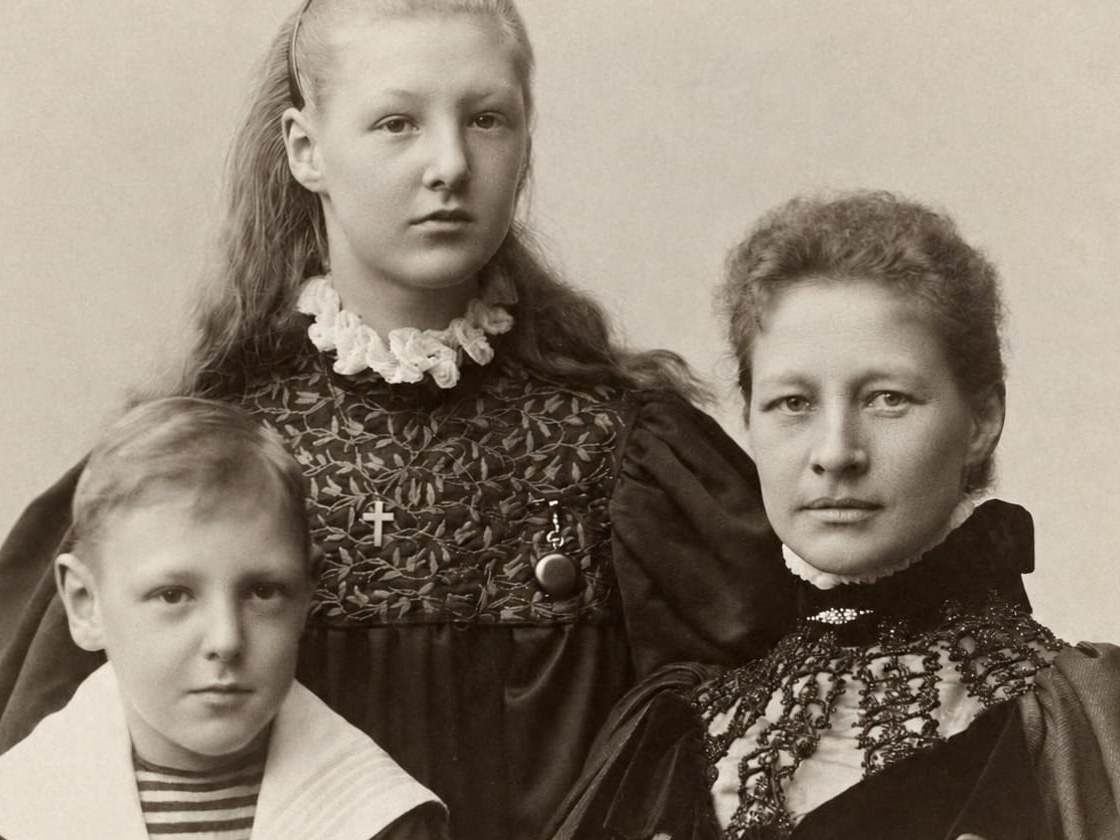
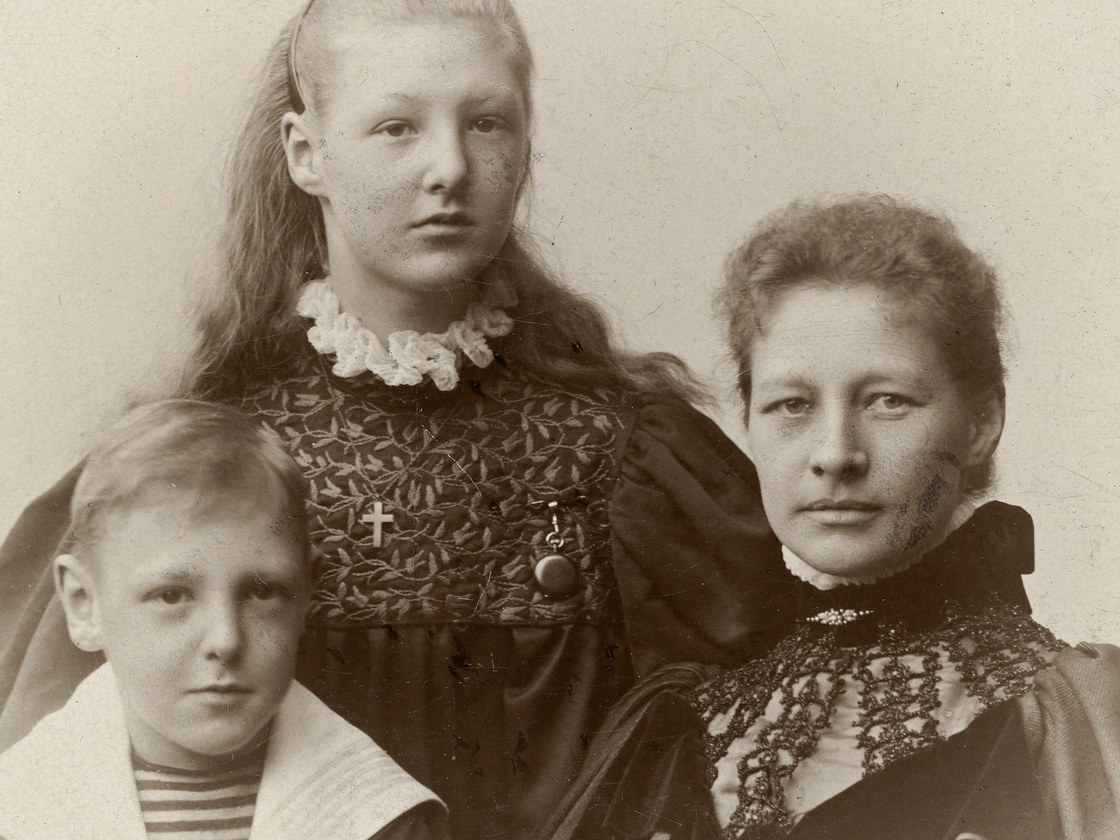

Up close, the dark marks on the woman's cheek are what a counter copy would have printed. The restore cleared them and kept her face as it was.
- 01Scan it at home, which takes minutes instead of the weeks a store transfer takes. A phone photo of the print, flat in even light, works too; the setup is in how to scan old photos at home.
- 02Upload the scan to FixFade. The repair comes back in about a minute: 2 free watermarked previews a day, no card needed.
- 03Before you order anything, compare the repair with the print, above all wherever a mark crossed a face: the software guessed what was under it.
- 04For the print, use a paid restore, which has no watermark and comes back as a 2K PNG, at 76¢ a photo in the $19 pack of 25, paid once. Walgreens and Walmart both take PNG uploads; for another site, save a JPG copy first.
- 05Order the print for store pickup, then put the original back in its box. If it's a present, old photo gift ideas covers which gifts suit a small or damaged print.
As of October 2026, none of these sites listed holiday order cutoffs yet, so check the order page before you count on shipping. Store pickup is the safer bet late in December: Walgreens says prints are ready in about an hour, though it doesn't guarantee it, and CVS offers same-day pickup on select photo products ordered by 7 p.m. local time.
If the print is for a funeral or a notice, see how to choose and crop an obituary photo and funeral photo display ideas. If you'd rather pay a retoucher, what pros charge is in how to restore old photos.