
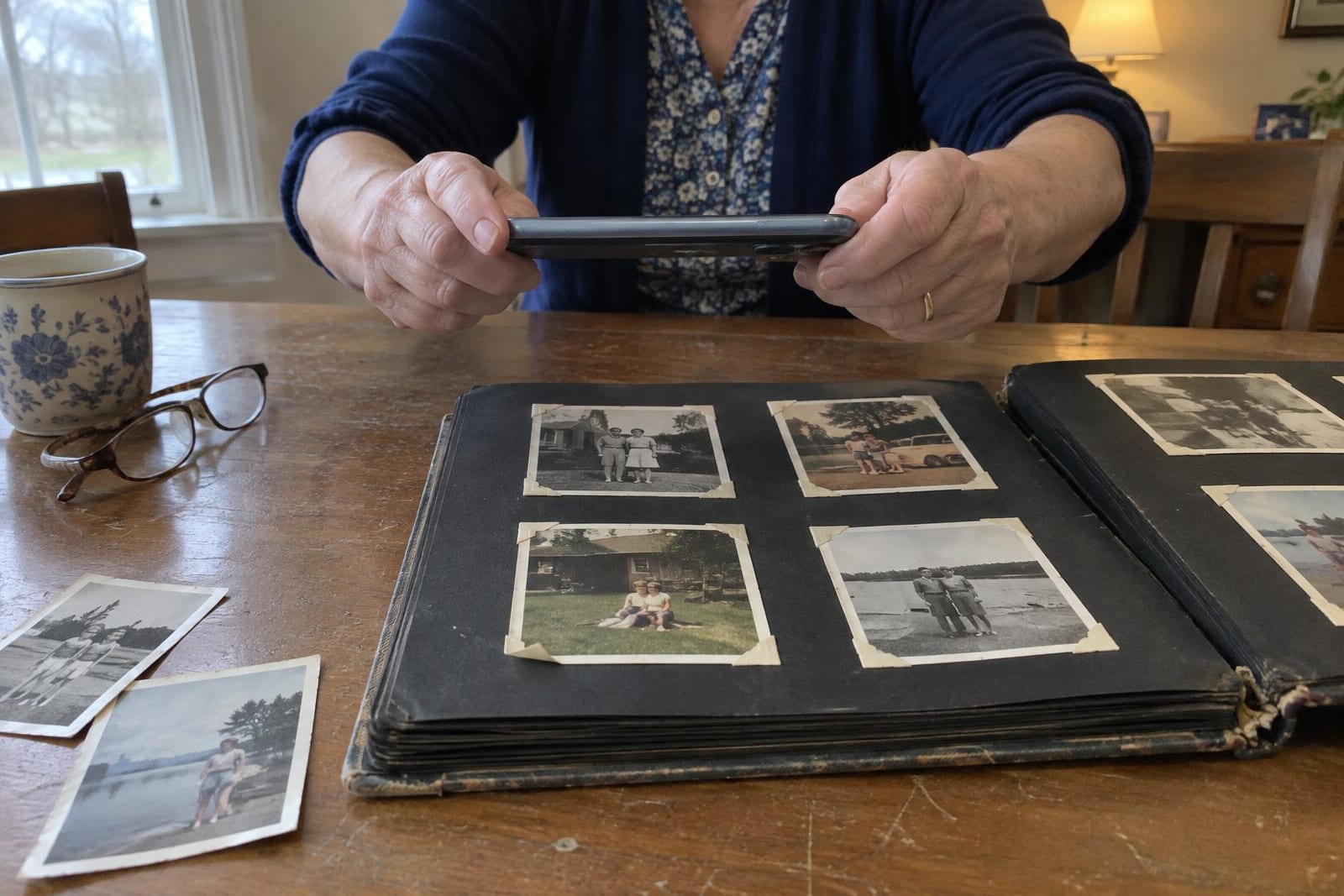
Photomyne is free to download and free to scan with, but the free version won't let you save or share what you scan. That takes a membership: on Photomyne's US website it's $19.99 a month, $59.99 a year, or $119.99 once for three years.
If you cancel, your scans stay on the phone that made them, but you lose the backup and the website, and saving may be restricted. Save everything before the plan ends.
What the free version does, and what it holds back
Photomyne calls its free version Basic. It scans and makes its automatic fixes, with ads. What it leaves out is everything that gets a photo out of the app.
| Feature | Free | Member |
|---|---|---|
| Scan prints | With ads | Yes |
| Automatic photo fixes | With ads | Yes |
| Save or share your scans | No | Yes |
| Back up photos, albums and captions | No | Yes |
| Use on another phone or tablet | No | Yes |
| Photomyne website on a computer | Limited | Yes |
| AI credits included | No | Yes |
The AI repair tools run on credits sold separately. Photomyne says AI Restore repairs glare, damage and fading, and Magic Motion turns a still into a short video clip.
A membership includes some credits, and packs run from $3.99 for 20 credits to $35.99 for unlimited. On Android these features are pay-per-use instead.
What a membership costs per photo
On Photomyne's website the monthly plan has no free trial, the yearly plan starts with a three-day free trial that needs a card, and the three-year plan is paid once and doesn't renew. The US App Store lists the same $59.99 for a year.
Photomyne's cost per photo, by plan
| Plan | 100 photos | 500 photos | 2,000 photos |
|---|---|---|---|
| 1 month | 20¢ | 4¢ | 1¢ |
| 1 year | 60¢ | 12¢ | 3¢ |
| 3 years, paid once | $1.20 | 24¢ | 6¢ |
Over a few hundred photos, every plan comes to pennies a photo. What changes the bill is time: a year costs the same as three months of the monthly plan, and the three-year plan the same as six.
So match the plan to how long the job will take. For one album or one shoebox you can finish in a few weeks, pay for one month, save everything and cancel. For a project that will run for months, like all of a parent's albums, the yearly plan is cheaper.
A small job can fit inside the yearly plan's three-day trial if you save every scan before it ends. Through the App Store, cancel at least 24 hours before the trial ends to avoid the charge. On Photomyne's website, cancelling ends the trial on the spot.
How to cancel Photomyne, and what happens to your scans
Cancel where you paid. Deleting the app doesn't cancel anything.
- 01iPhone or iPad: open the App Store app, tap your profile icon, then Subscriptions, then Photomyne.
- 02Android: open the Google Play app, tap your profile icon, then Payments & subscriptions, then Subscriptions.
- 03Paid on Photomyne's website: sign in at portal.photomyne.com, open Account, then Plan / Billing.
When the membership ends, the account drops back to Basic. Photomyne's help page says your photos aren't deleted and stay on the device you scanned with.
But they're no longer backed up, you can't open them on another device or on the website, and saving and sharing may be restricted. If that phone breaks, the scans go with it.
To some members it feels like being locked out. "If you do not renew you cannot access your pics and you cannot move them to your pc," one wrote on the App Store in October.
So save everything while you're still a member:
- To a computer: in the app, tap Share, Save selected photos, then Send to your computer. Open the emailed link and click Download all photos, which works only for paying members.
- To the phone: Save selected photos, then Save to this device. Choose "with details" to add the captions on a white border.
- To Google Photos: handy for sharing, but album order and captions don't always transfer.
- If you turned on Save Device Storage, some scans are kept only in Photomyne's cloud. Photomyne doesn't say what happens to those when the plan ends, so download them first.
What Photomyne reviews praise and complain about
Photomyne rates 4.7 on the App Store from about 97,000 ratings, and 4.3 on Google Play. The praise is about speed: you lay several prints side by side, and one shot saves each as its own photo.
Most of the low App Store reviews from September and October are about money: paying to save, paying again for AI credits, and losing access after cancelling. A smaller group says the AI repair changed how their family looked.
“Place 4 or 5 photos together, the scan will recognize, crop and save them for you.”
“The fact that you have to pay to simply just save photos is crazy.”
“Not happy with the last picture I tried to clean up. Didn't look like my family.”
Trustpilot review by a member of several years, October 2026
One practical warning from an App Store review: the automatic crop can trim off a date written on the border. Scan the back of the print too, which Photomyne supports, or type the date into the caption.
Is Photomyne safe?
Photomyne Ltd. is an Israeli company that has made the app since 2015. With a membership, your scans are backed up on Amazon Web Services servers in the US and Europe.
Cropping and enhancing run on your phone. Animation and some other AI features run on outside providers' servers, and Photomyne names Google's AI among them.
Its privacy policy says it doesn't sell your personal information "in the conventional sense (i.e., for money)", but it may share identifiers with advertising partners, and the App Store label lists identifiers as data used to track you. Scans you delete leave its backups "in a few months."
Where Google's free PhotoScan fits
PhotoScan by Google Photos is free on iPhone and Android, with no subscription and nothing to buy inside it. It saves each scan straight to your phone. To take the glare off a glossy print, it has you move the phone over four circles and joins the shots, so it works one print at a time.
It has no albums, captions or repair tools, and Google hasn't updated the iPhone version since 2022, though both stores still offer it. For a few dozen loose prints, PhotoScan is enough. For full albums, Photomyne's several-prints-per-shot scanning is the reason to pay.
Either app does better with soft window light and the phone held flat over the print. Our guide to scanning old photos at home covers the setup, and how to clean old photos covers the dust before you start.
A scan copies the crease too
Every scanning app crops, straightens and brightens. None of that touches damage that's part of the picture: a crease, a tear or a water stain goes into the file along with the faces.
You can repair it inside Photomyne with AI Restore, on credits, or run just the damaged scans through a separate restoration tool. Ours, FixFade, works in your phone's browser with nothing to install and gives 2 free watermarked previews a day, no card needed.
A copy without the watermark, a 2K PNG, is 1 credit. Credits come in one-time packs, from $19 for 25 (76¢ each) down to 44.5¢ each in the largest pack, and they never expire.


Drag the line to compare the scan with the restore.

Whichever tool you use, hold the restored copy next to the print before you share it. Here the faces stay close to the scan, but the soft shapes behind the fence came back as crisp brick pillars, a guess at what the camera only caught as a blur.
Should you pay for Photomyne?
Yes, for a big pile of prints you can finish in a month or two: pay monthly, save everything, cancel. No, for a handful of photos, where PhotoScan is free. If you'd rather not scan at all, a mail-in service such as Legacybox scans the prints for you and charges by how many you send. For a family tree, MyHeritage bundles photo repair into its plans.
- Count the prints and guess how many weeks the scanning will take.
- Choose monthly unless the job will run past three months.
- Put the renewal date in your calendar the day you subscribe.
- Save every scan to a computer before you cancel.
- Keep the prints in their box afterward: the next scan, or a restore, starts from them.