
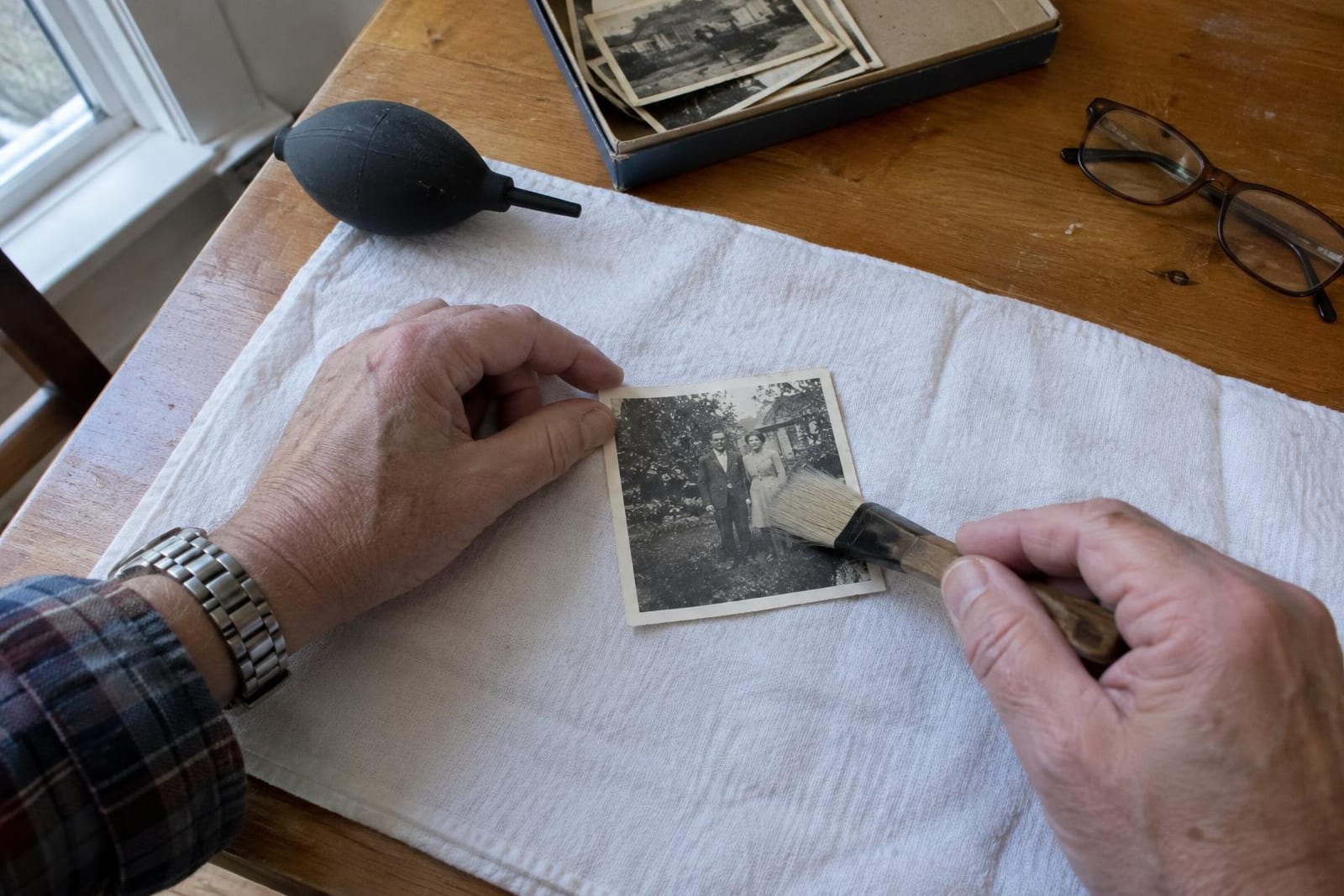
To clean an old photo safely at home, take off the loose dust and nothing else. Puff it away with a rubber bulb blower, and use a soft brush only on a speck the blower can't shift. Stains, brown spots and that silvery sheen on the dark areas are part of the picture, so leave them on the print and fix them on the scanned copy.
Nothing wet goes on the picture side, and nothing gets rubbed across it.
What you need
- A rubber bulb blower, the kind sold for cleaning camera lenses.
- A wide, soft, clean brush of natural hair, such as goat hair. Paper conservators at NEDCC test a brush this way: soft enough to use on your face.
- Clean, dry hands or nitrile gloves. Skin oil left on the image can turn into a pale patch or a silvery fingerprint years later.
- A clear table away from food and drink, with a clean sheet of paper or a smooth cotton tea towel to work on. Fluffy towels shed lint.
Clean a print in five steps
- 01Wash and dry your hands, or put on the gloves. Pick the print up by its edges or its white border, never by the picture.
- 02Look at the surface before you touch it. If it's cracked, flaking or fuzzy with mold, set it aside, away from your other photos, without cleaning it.
- 03Lay it face up on the paper or cloth. Give it a few short puffs with the blower from a few inches away, working from the middle out to the edges. Keep the nozzle off the print.
- 04If a speck stays put, sweep it lightly with the brush, from the middle toward the nearest edge. Don't scrub or go back and forth. If two light passes don't shift it, it isn't loose, so leave it.
- 05Hold it up by its edges and puff the back too, so you never lay the clean face down in the dust you just blew off. Then scan it while it's clean, with the settings in our scanning guide.
The Library of Congress care guide puts the blower first, because even soft brushes can scratch a photograph.
Tilt it to the light to see what will come off
Hold the print by its edges and tilt it toward a window until the light skims across the surface. Dust, lint and crumbs sit on top. They catch the light as bright specks, and they're what the blower and brush are for.
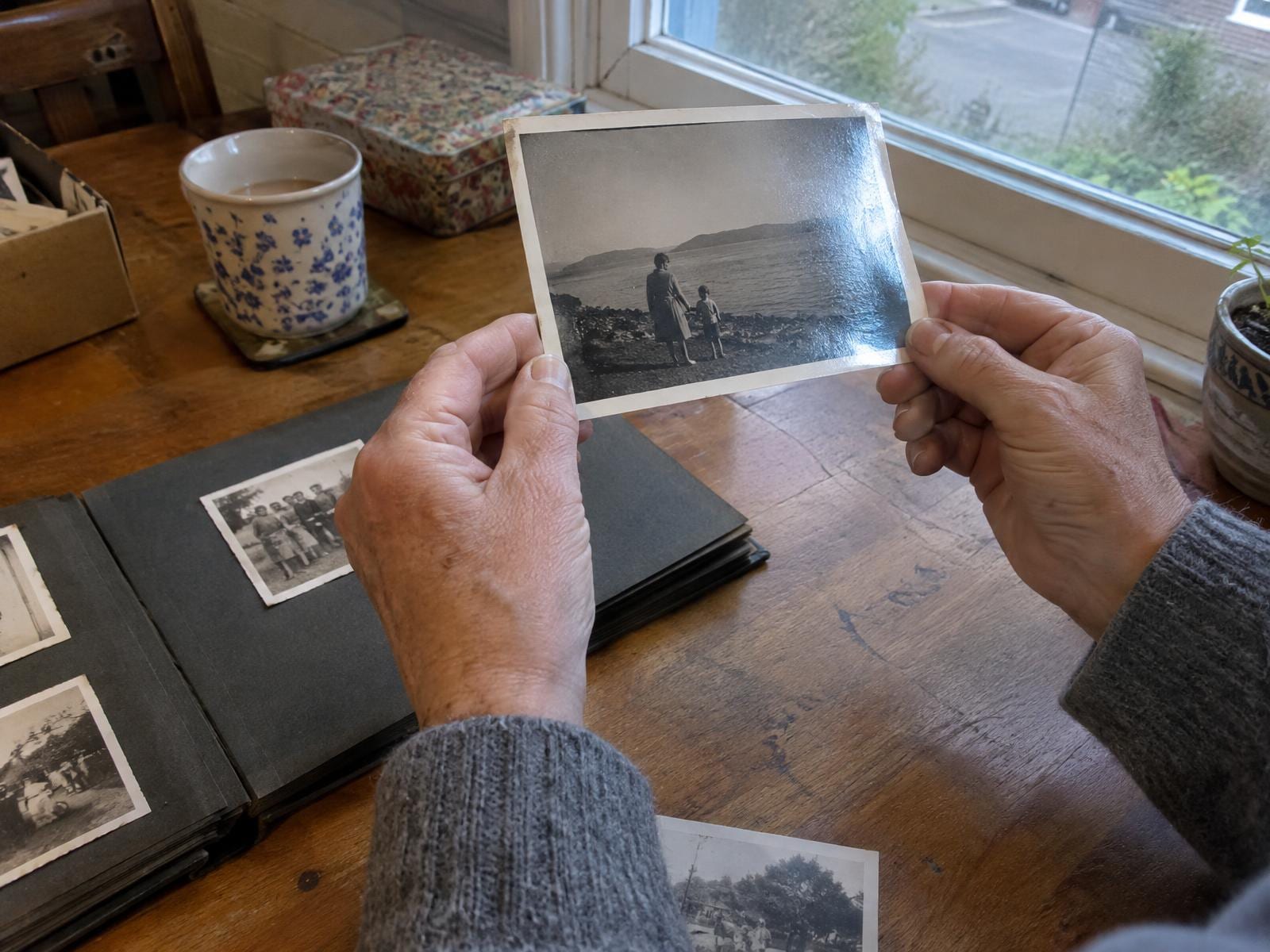
Brown spots (foxing), tide lines, yellowing and old fingerprints look the same at every angle. Silvering does change with the angle: it's a bluish metal sheen that creeps in from the edges and over the darkest parts. But it's the photo's own silver, risen to the surface over decades.
Those marks are in the image layer. Rubbing at them takes some of the picture with them, and water makes it worse: the gelatin swells, goes soft, and pulls the dirt in.
What never touches the picture side
- Water, or anything damp: a cloth, a cotton swab, a baby wipe.
- Glass cleaner, alcohol, nail polish remover or any household cleaner, including bottles sold as photo or film cleaner. Some prints from around 1900 have an image layer that alcohol dissolves.
- Canned air or your own breath. Both can spray tiny droplets onto the surface.
- An eraser, a lint roller, a slice of bread, or any cloth rubbed across the image, microfiber included. These scratch the surface, pull at it, or polish a shiny patch into it that won't come out.
When to leave a photo alone
Some photos shouldn't get even the blower and the brush.
- Photos in small hinged cases, such as daguerreotypes and ambrotypes. Leave them in the case and don't take apart the package behind the glass. The image on a daguerreotype marks at the slightest touch.
- Tintypes with flaking or blistered varnish, where anything that touches the plate lifts more flakes.
- Prints with mold, which a brush or a puff of air only spreads.
- Prints that are wet or stuck together. That's a different job, with its own steps in what water does to a photograph.
- A print you might sell. Collectors want the surface as it came, so leave it as it is and find out what it's worth.
If one of these matters to you, a photograph conservator can treat it. The American Institute for Conservation keeps a directory you can search by specialty and area.
Fix stains and spots on the scanned copy
Whatever the brush couldn't move comes off the copy instead. Restoration software removes foxing, tide lines and silvering from the scan, and the print stays as it was.
So put the original away somewhere cool, dry and dark, and do all the fixing on the file.

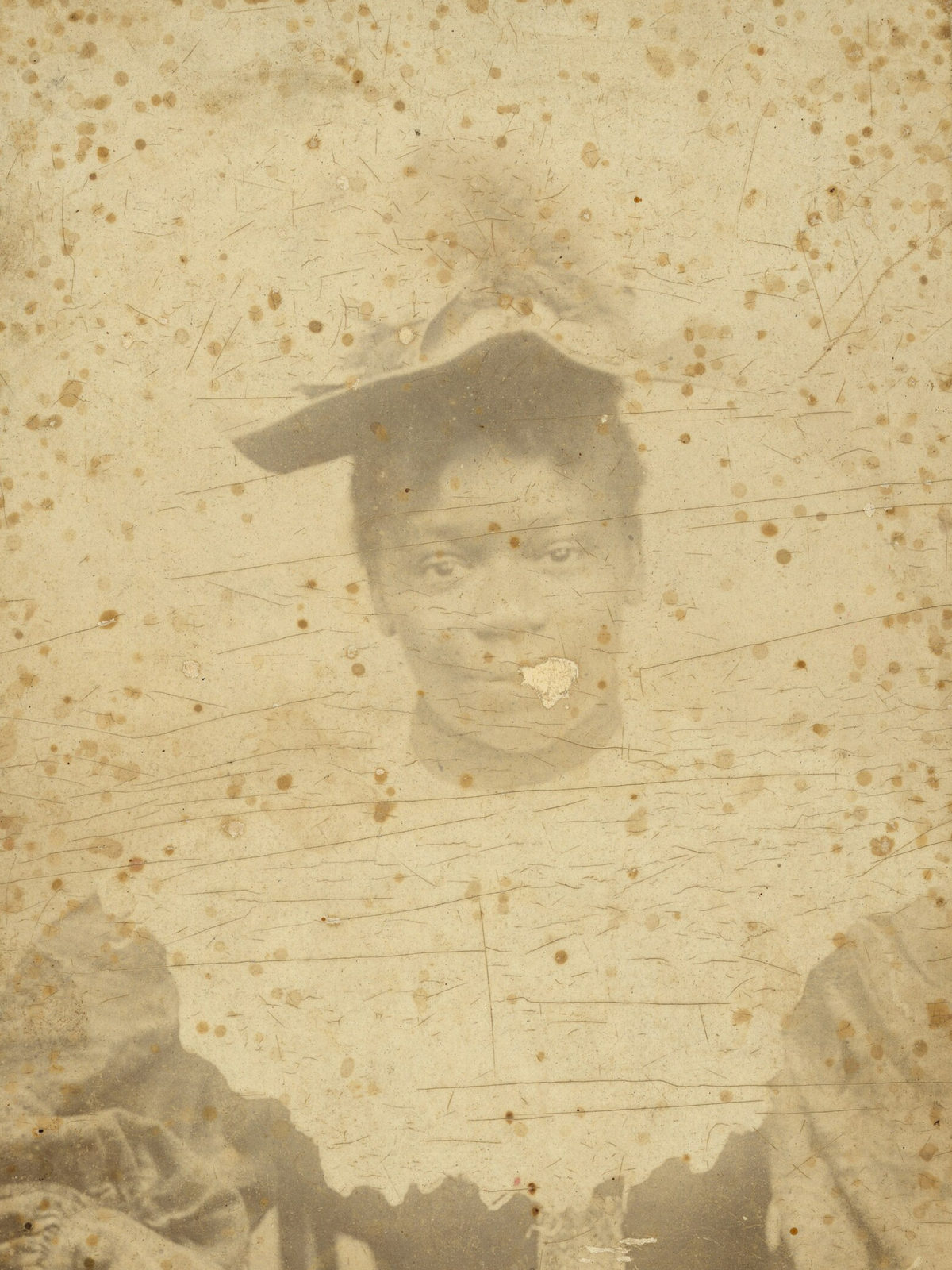
Drag the line to compare the scan with the repair.
We built FixFade for that step. Upload the scan and the repair comes back in about a minute, with black-and-white and sepia left as they were.
You get 2 free watermarked previews a day, no card needed. A copy without the watermark is a paid restore: packs start at $19 for 25 photos.
Before you share the copy, check its faces and clothes against the print. Where a spot covered an eye or the corner of a mouth, the software had to guess what was under it, and it can misread a badly faded patch of clothing.